
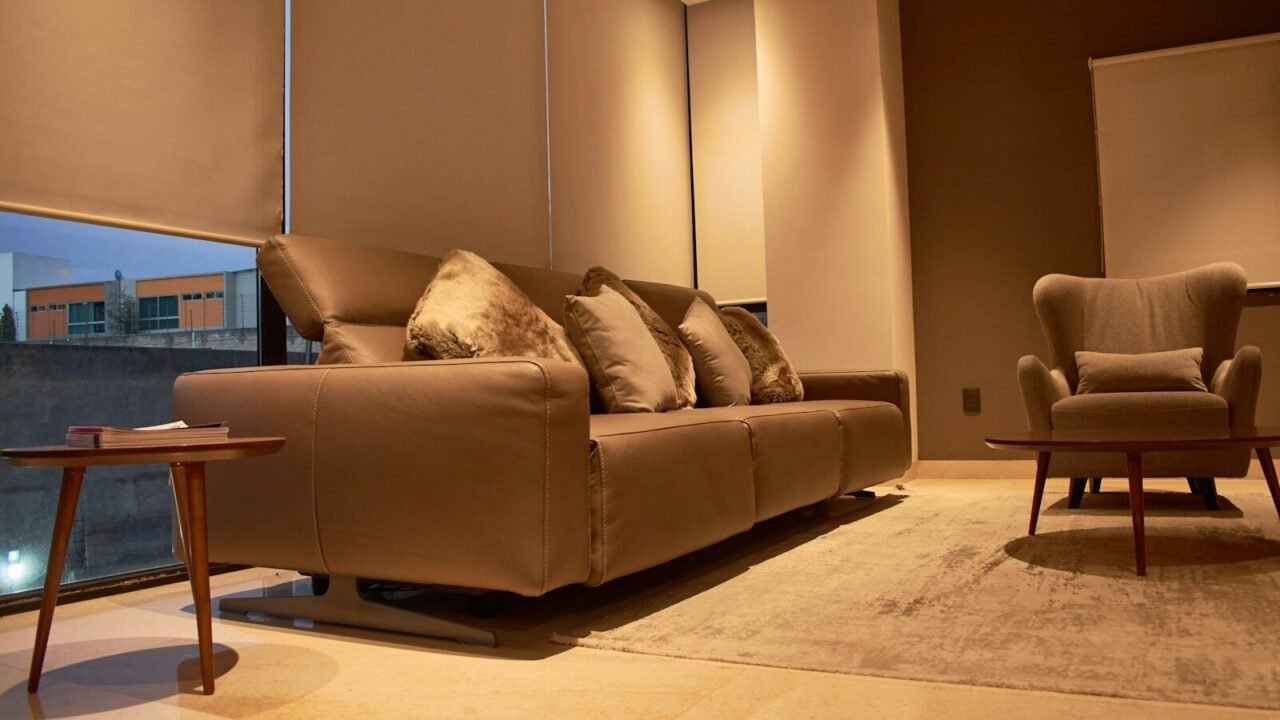




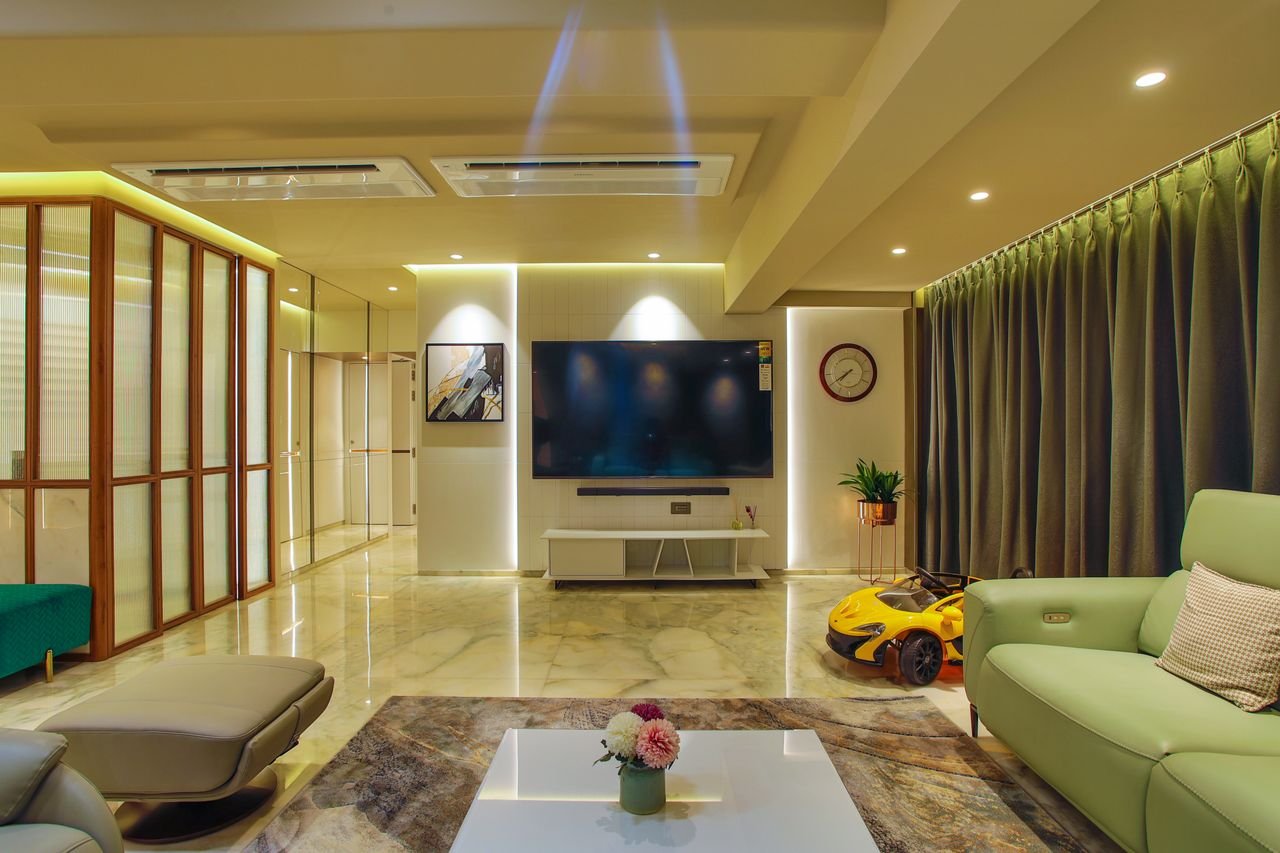
I redesigned my living room three times before I understood what smart home interior design actually meant. The first version was what most people picture: a stack of speakers, a tablet mounted on the wall like a thermostat from a spaceship, and a coffee table remote for lights I’d forgotten how to use within a month. It looked like a showroom, not a home.
The version I live in now has almost no visible technology at all. The lighting adjusts itself, the blinds track the sun, and a guest would need to look closely to spot anything “smart” in the room. That shift — from gadgets bolted onto a house to a house that quietly responds to how you actually live in it — is the real definition of smart home interior design, and it’s a very different discipline than just buying connected devices.
Table of Contents
- What Smart Home Interior Design Actually Means
- The Core Features That Define It
- Real Tool Comparisons: Hubs, Lighting, and Climate
- The Real Benefits — Beyond “Convenience”
- Room-by-Room Design Ideas
- How to Make Technology Disappear Into Your Interior
- Common Mistakes I See Homeowners Make
- Where Smart Home Design Is Headed
- FAQ
- Final Verdict
- About the Author
What Smart Home Interior Design Actually Means
Smart home interior design is the practice of planning a space so that technology supports the room’s function and feeling, instead of sitting on top of it as an accessory. It sits at the intersection of two fields that used to operate separately: interior design, which cares about proportion, material, and light, and home automation, which cares about sensors, protocols, and control logic.
The distinction matters because most people back into “smart home design” by buying a smart speaker, then a few bulbs, then a video doorbell — one purchase at a time, with no underlying plan. That’s smart devices in a home. Smart home interior design starts with the room and asks what the technology should do inside it, then hides the hardware in the architecture: in-wall dimmers instead of plug-in smart plugs, recessed sensors instead of visible pucks, a single wall-mounted control panel instead of five different apps.
Interior designer Amy Kunst, writing about 2026 residential projects, frames this well: the goal is <a href=”https://www.designedcurated.com/insights/what-is-smart-home-interior-design-2026/”>user-centric technology integrated subtly enough that it enhances the room’s function without announcing itself</a>. That’s the standard I hold my own projects to now — if a client can point to the technology, it usually means it hasn’t been designed in properly yet.
The Core Features That Define It
Adaptive lighting. Not just on/off, but tunable color temperature that shifts warmer in the evening and cooler in the morning, generally following circadian rhythm rather than a fixed schedule.
Climate zoning. Multi-room temperature control using remote sensors rather than a single central thermostat reading, so a sunny west-facing bedroom doesn’t run five degrees hotter than the hallway sensor.
Automated shading. Motorized blinds or shades that respond to sun position and interior temperature, doing double duty as both a design element and a passive energy-saving feature.
Access and security. Smart locks, video doorbells, and entry sensors that tie into the same automation layer as lighting and climate — unlocking the door can trigger the hallway lights and adjust the thermostat automatically.
Voice and app control, used sparingly. The best smart homes I’ve seen use voice control as a convenience layer, not the primary interface. Most day-to-day interaction should still happen through physical switches and dimmers that feel normal to touch.
Invisible infrastructure. Thread border routers, Zigbee hubs, and wiring hidden in cabinetry or behind wall plates, chosen and placed by the designer or electrician before drywall goes up, not added as an afterthought.
Real Tool Comparisons
This is the part that actually determines whether your smart home works — or turns into five apps and a drawer full of returned devices. I’ve tested or lived with most of what’s below.
Smart Home Hubs / Ecosystems
| Platform | Best For | Honest Verdict |
|---|---|---|
| Apple Home | iPhone households, privacy-focused users | Excellent privacy defaults and a genuinely calm interface, but its device catalog still lags behind Alexa’s. A HomePod mini doubles as a Thread border router, which is the cheapest real entry point into the ecosystem. |
| Google Home | Best voice recognition, Nest device owners | Google Assistant remains the most accurate voice assistant of the major three, but Google has been slower than Samsung to roll out newer Matter features, which occasionally shows up as odd compatibility gaps with third-party devices. |
| Amazon Alexa | Widest device compatibility | If you want to buy first and worry about compatibility later, Alexa causes the fewest “not compatible” surprises. It’s the most forgiving ecosystem for a household that didn’t plan its purchases in advance. |
| Samsung SmartThings | Mixed-brand households, strongest automations | In 2026, SmartThings has arguably become the most interoperable hub on the market — it was <a href=”https://yourmatterhome.com/matter-smart-home-devices-list-2026-complete-guide/”>the first platform to support Matter’s multi-admin feature</a>, letting one device be controlled from several ecosystems at once. If your home mixes Apple, Google, Amazon, and independent-brand devices, this is usually the strongest glue. |
| Home Assistant | Technical users who want full local control | The most capable option by far if you’re willing to run your own server, with no cloud dependency and total customization. Not a fit for anyone who doesn’t want to spend an afternoon in settings menus. |
My honest take: for most households, don’t pick a hub based on brand loyalty. Pick it based on which voice assistant and phone ecosystem you already live in, then buy Matter-certified devices going forward so you’re never locked in again. As one 2026 hub comparison puts it, <a href=”https://www.wemustbegeeks.com/best-smart-home-hubs-in-2026-home-assistant-vs-smartthings-vs-apple-home/”>Matter has finally closed most of the gap between “any device works with any hub” and reality</a>, even if the major platforms still implement the standard at different speeds.
Smart Lighting Systems
| System | Setup | Verdict |
|---|---|---|
| Philips Hue | Zigbee bridge required | Still the category leader for color and scene design, with the widest range of fixtures. The tradeoff is cost — a full-home Hue install can run roughly double a comparable Lutron switch-based system, and <a href=”https://ajlongelectric.com/blog/lutron-vs-other-smart-lighting-systems”>bulbs go dark if someone flips the physical wall switch off</a>, which trips up guests constantly. |
| Lutron Caseta | Switch-based, no neutral wire needed | My default recommendation for main living spaces and older homes. It keeps the physical wall switch as the primary interface, which matters more than people expect — nobody wants to explain an app to a babysitter. |
| Nanoleaf | Thread or Wi-Fi, Matter-native | Best for accent and creative lighting — geometric panels, light strips — rather than whole-home replacement. Newer Nanoleaf Essentials products ship Matter-native, which makes them an easy add to almost any existing ecosystem. |
| LIFX | Wi-Fi direct, no hub | The right call if you only need a handful of bulbs and don’t want to buy a bridge. Color quality is excellent, but without a hub you lose some of the mesh-network reliability that Zigbee systems offer at scale. |
| Govee | Wi-Fi/Bluetooth, budget | Good color bulbs and strip lighting at a lower price point, but most of the line still isn’t Matter-compatible, so you’re more locked into Govee’s own app than with the other options here. |
If I had to build one system from scratch today: Lutron Caseta on the main switches for reliability and guest-friendliness, Hue or Nanoleaf layered in for accent lighting where color and scenes matter more than wall-switch simplicity.
Smart Thermostats
| Thermostat | Strength | Verdict |
|---|---|---|
| Google Nest Learning Thermostat (4th Gen) | Set-and-forget learning algorithm | Genuinely learns your schedule within about a week and then runs itself with no manual scheduling. The tradeoff, based on real household use, is that <a href=”https://smarthomefuel.com/article/nest-vs-ecobee-comparison”>the learning algorithm can get confused by irregular schedules</a>, like working from home some days and not others. |
| Ecobee Smart Thermostat Premium | Room-by-room sensors | The included SmartSensor is the deciding factor for multi-story homes — it balances temperature readings between a hallway sensor and a remote room, which fixes the classic problem of one room always running cold. Wirecutter has named it a top overall pick for years running, and in my own two-story house it solved a heating imbalance Nest never could. |
Both platforms report annual savings in a similar range once installed correctly, generally in the high single digits to low double digits as a percentage of a typical heating and cooling bill — the bigger factor is almost always what thermostat you’re replacing, not which smart model you choose.
The Real Benefits
Energy savings that compound. Adaptive lighting, zoned climate control, and automated shading work together rather than each saving a little in isolation. A shade that closes automatically during peak afternoon sun reduces the cooling load the thermostat then has to work against.
Accessibility and aging in place. Voice-controlled lighting, automated locks, and video doorbells give people with limited mobility a genuinely different level of independence — this is one of the most understated benefits of the category, and it’s a growing focus in renovation projects for aging homeowners.
Security that’s proactive, not reactive. A camera that just records is forensic evidence after the fact. A system that recognizes a package delivery, unlocks a smart lock only for a verified code, and lights a walkway automatically at dusk is prevention, not documentation.
Resale and design value. Homes with well-integrated (not just present) smart technology are increasingly treated as a baseline expectation rather than a luxury upsell, especially among buyers under 45.
A calmer relationship with your home. This is the one nobody puts in the marketing copy, but it’s the biggest benefit I’ve experienced personally: a home that adjusts itself removes a hundred small daily decisions — did I turn the porch light on, is the thermostat too high, are the blinds open when the room’s about to bake in the sun. That mental load reduction is real.
Room-by-Room Design Ideas
Living room. Layered lighting — ambient, task, and accent — on separate smart circuits, plus a motorized shade on the brightest window. Skip the visible smart speaker in the center of the room; tuck it on a shelf.
Kitchen. Under-cabinet lighting on motion sensors, a smart plug for small appliances you want on a timer, and a single wall panel for scene control instead of a tablet mounted where splatter will ruin it within a year.
Bedroom. Circadian lighting that dims and warms toward evening, blackout shades on a wake-up schedule instead of an alarm sound, and a bedside dimmer that doesn’t require picking up a phone at 11pm.
Home office. Desk-level task lighting tied to occupancy sensors, and a thermostat sensor placed in the room itself rather than relying on a hallway reading — this is exactly the multi-room problem Ecobee’s SmartSensor was built to solve.
Entryway. A smart lock paired with a keypad rather than only an app, plus a light and camera on the same automation trigger, so arriving home in the dark isn’t a fumble for switches.
How to Make Technology Disappear
The single biggest design principle I’ve learned: wiring and hub placement decisions have to happen before finishes go in, not after. Retrofitting invisible integration into a finished room is possible but expensive and visually compromised.
Practical moves that actually work:
- Specify in-wall smart dimmers and switches during any renovation, not plug-in smart plugs added later
- Choose a Thread border router that’s already a device you need anyway — an Apple TV, HomePod mini, or Nest Hub — rather than adding a dedicated hub as extra clutter
- Run low-voltage wiring for shades and sensors inside the wall cavity before drywall, even if you’re not installing the device yet
- Pick one physical control panel per zone instead of leaving every interaction to an app
- Choose devices with a genuine “off” state — nothing kills the feeling of a designed room faster than a visible blinking LED indicator light left on 24/7
Common Mistakes
Buying devices before planning the system. This is how people end up with five apps and no automation between them. Decide your hub and protocol first.
Treating voice control as the primary interface. It’s a nice-to-have. A home that only works when you remember the right phrase is a worse experience than flipping a switch.
Ignoring wiring realities. Many “smart switch doesn’t work” complaints trace back to missing neutral wires in older homes — this is exactly why switch-based systems built for that constraint, like Lutron Caseta, dominate retrofit projects.
Over-automating. Not every light needs a motion sensor. A closet, sure. A living room where people sit still for hours, maybe not — nothing’s more annoying than lights shutting off on you mid-movie.
Where Smart Home Design Is Headed
Matter finally maturing into something reliable. The interoperability standard backed by Apple, Google, Amazon, and Samsung has moved from a promise to something close to reality in 2026, though implementation speed still varies by platform — SmartThings has moved fastest, while some others lag on newer device categories like cameras and appliances.
AI-driven adaptive spaces. Rather than fixed schedules, newer systems are starting to analyze actual movement, lighting preference, and time-of-day behavior to adjust automatically — closer to a home that learns your patterns than one you have to program.
Tech that supports biophilic and tactile design, not competes with it. The dominant interior trend for 2026 pairs <a href=”https://www.decorilla.com/online-decorating/interior-design-trends-2026″>smart systems with tactile, natural materials</a> rather than sleek minimalist tech surfaces — think automated shading paired with limewash walls and reclaimed wood, not glass-and-chrome control panels.
Whole-home security as a design layer, not a bolt-on. Multiple smart locks managed from a single app view, tied into lighting and climate automation, are becoming standard rather than a premium add-on in new builds.
FAQ
Do I need to gut my home to add smart home design, or can I retrofit it? Most of it retrofits fine. Lighting and locks are the easiest additions to any existing home. Where retrofitting gets expensive is hidden wiring for shades and sensors — plan those during any renovation you’re already doing, even if you’re not ready to install the device yet.
Which smart home ecosystem should a beginner pick? Whichever phone and voice assistant you already use daily. Then buy Matter-certified devices going forward so you’re not locked into that choice permanently.
Is smart home technology actually more secure, or does it add risk? Both are true. A well-configured system with strong passwords, two-factor authentication, and a reputable hub is more secure than traditional locks and cameras. A poorly configured one — default passwords, no updates — is a genuine risk. The technology isn’t the variable; the setup discipline is.
Does smart home design actually increase resale value? It’s increasingly treated as an expectation rather than a bonus, particularly among younger buyers, but a home stuffed with disconnected gadgets doesn’t add the same value as a genuinely integrated system. Buyers respond to design coherence, not device count.
What’s the biggest beginner mistake? Buying the flashiest gadget first instead of deciding on a hub and protocol. I’ve watched people accumulate a drawer of smart devices that never talk to each other because nobody planned the foundation.
Final Verdict
Smart home interior design isn’t about how much technology you can fit into a room — it’s about how little of it you should ever have to notice. The best systems I’ve lived with and designed disappear into switches that feel normal, lighting that just seems to know what time it is, and a temperature that’s simply always right without anyone touching a dial. Start with the hub and protocol decision, choose devices that are actually built for the room they’re going into rather than the flashiest option on a shelf, and let the technology support the design instead of becoming it.
About the Author
Written by an interior design researcher who studies the integration of home automation systems into residential design, drawing on hands-on testing of major smart home ecosystems, lighting platforms, and climate control systems, alongside published manufacturer specifications and industry trend analysis. This article reflects direct experience redesigning and living with multiple smart home configurations rather than manufacturer marketing copy.
[…] Household Items Attract Flies? 12 Common Things to Check What Is Smart Home Interior Design? Features, Benefits, and Ideas What Is the Best Roof Pitch for a Garden Shed? Corrigan Studio Nico Desk Review: Features, […]